
CHAT STORIES, MADE ONLINE
Create your own
WeChat story.
Turn a conversation into a creation.
Arrange messages. Shape a story. Export your scene.
No installation · Instant preview · HD export


FAMILIAR MESSAGES. A NEW EXPRESSION.
Every story starts
with a little “hey.”
For creative stories, product demos, lessons and storyboards.
Give the conversation in your head a place on the screen.
01 / MAKE IT YOURS
Your words.
Your way.
From a line of text to a photo, a voice message or a red packet. Add the speakers and arrange the messages. Let the story unfold at your pace.
Write the first line02 / EVERY DETAIL COUNTS
Bright days.
Late-night thoughts.
One conversation, two moods. Set the light or dark theme, message times, Wi-Fi, 5G, signal and battery independently.
Switch themes to see the other side.
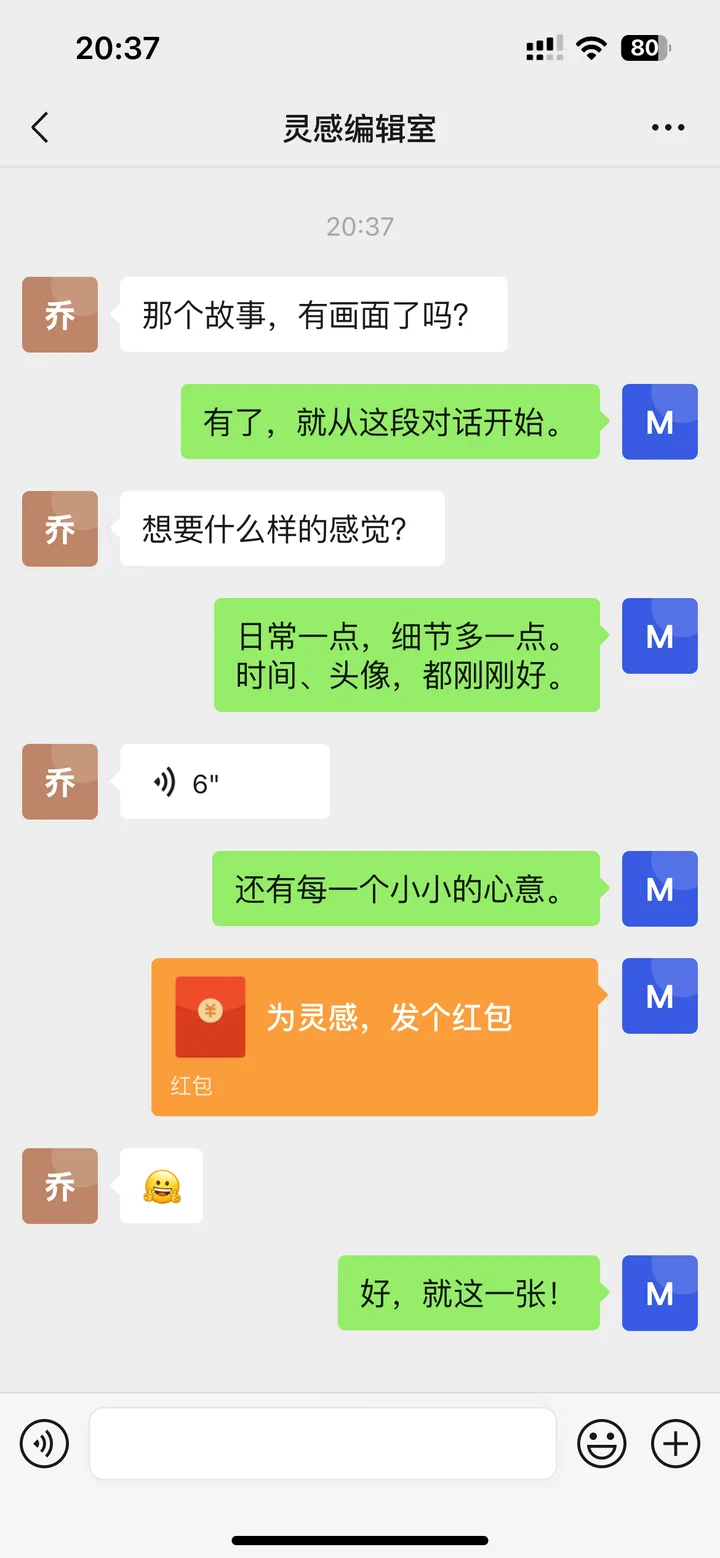
03 / READY FOR ITS CLOSE-UP
A good story
deserves a good image.
Export the current screen or save the complete story as a long image. Drafts stay in this browser, ready for your next idea.
Create my storyDo I need to install anything?
No. Open the studio in your browser, edit the content and export an image. A desktop gives you more editing room; mobile is supported too.
Can I export for free?
Guests can edit and see a watermarked preview. Sign in for 10 watermarked exports per day. Watermark-free exports require paid credits granted by an administrator.
What can I customize?
Set roles, avatars, messages, red packet and transfer states, light or dark mode, phone and message times, signal, Wi-Fi, 5G and battery. The iPhone 13 Pro canvas exports at 1170 × 2532 pixels.
Is my conversation uploaded?
Drafts and editing previews stay in your browser. Exporting temporarily uploads your conversation and assets to MsgShot servers for high-resolution rendering. Export files are retained for 24 hours.
Can I come back and edit later?
Yes. Return in the same browser to reopen a local draft. Clearing browser data removes drafts, so export important work or save a project backup.